Design source
Prepare the product geometry and finish regions that marketing needs to preserve.
Set materials, lights, and camera views in the browser, then render PDP images, finish options, feature close-ups, and short video from the same scene.
 Consumer electronics production
Use a prepared product model to create PDP imagery, finish views, feature close-ups, and short motion while the scene and saved views stay reusable.
Prepare the product once, save each approved finish and angle, then render the images and clips needed for launch.
Prepare the product geometry and finish regions that marketing needs to preserve.
Build camera views, detail crops, component arrangements, and supported movement around the product.
Reuse the accepted treatment across product pages, retail partners, localization, and campaigns.
Direct reflections, edge definition, ports, controls, and surface changes in the live scene.

Create reviewable content while hardware samples remain scarce or confidential.
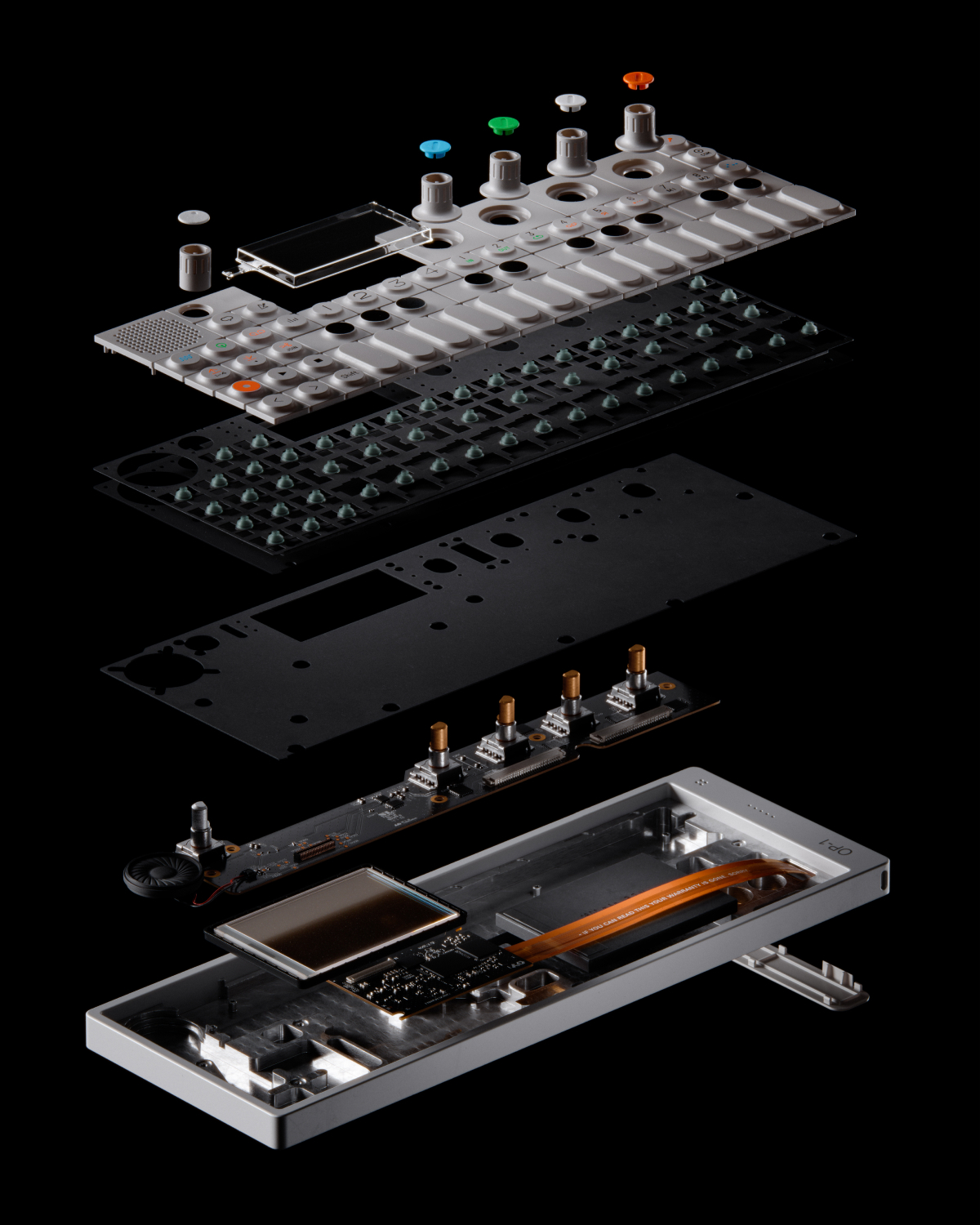
Reuse the prepared product and saved scene across launch images, finish options, detail views, and short motion.
 Launch imagery
 Finish stories
Use Glossi when a prepared product model needs to become PDP imagery, finish views, and motion for launch.
Industrial design validation, interface accuracy, claims, launch security, and final creative approval remain with your team.
Answers on industrial design CAD, finish options, detail views, and confidential launches.
Supported CAD formats can be converted and prepared, but hierarchy, materials, and small feature details need representative testing.
Multi-product and part-based scenes can support exploded storytelling when the product is prepared for independent positioning.
Glossi provides tenant isolation and encryption claims described on its security page. Security requirements should be reviewed before onboarding sensitive products.
Start in Studio with ready-made assets, then bring your own prepared product when you are ready.