Full film-grade fidelity, streamed from Glossi's GPUs. None of the limitations of browser-based 3D tools.
Live 3D Studio
Direct the live 3D scenefrom your browser.
Adjust cameras, materials, lighting, staging, and motion while the shot updates in front of you. Render approved stills and clips without opening specialist 3D software.
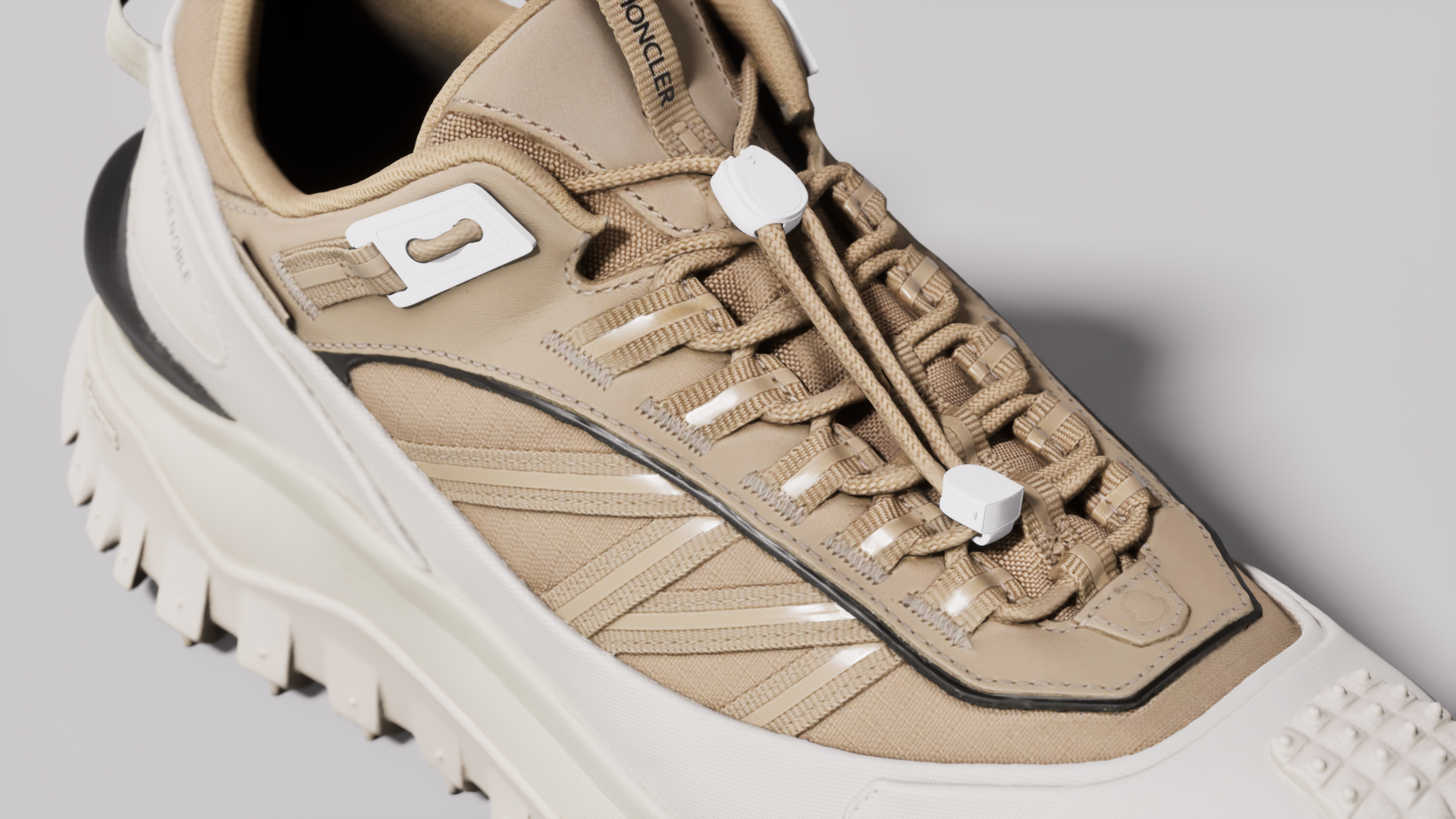
Focal length42 mm
Materials, lights, cameras, and animation are controls you set yourself while the scene responds.
Save angles and clips, then render stills and video from the same project.
Upload. Direct. Shoot.
The whole path from 3D model to finished content runs in the browser. Each step links to the docs, so the details are one click away.
Upload your 3D model
Bring a model from any 3D tool. No model yet? Generate one from photos, or have Glossi build it high-fidelity from scratch.
Docs Uploading modelsCreate a project and direct the scene
Start from a template or a blank stage, then set materials, lighting, cameras, and motion in the live viewport.
Docs Studio tourShoot stills and video
Save angles and clips, then render them in the cloud at production resolution. The scene stays live for the next round.
Docs Exporting renders
Materials and finishes
Control the look of every surface.
Select any part, choose a PBR material, and tune its color and finish in the live scene. Every view and render stays connected to the same surface setup.
PBR material library
Per-part color and finish regions
Calibrated once, correct everywhere
Docs Applying materials
Lighting
Shape the light exactly how you want it.
Build reusable light rigs or start from an HDRI environment. Adjust each light's position, color, and intensity while reflections and shadows update live in the scene.
HDRI environments
Per-light intensity, color, position
True reflections and shadows
Docs Lighting
Dial in every detail of the scene.
Adjust cameras, lighting, materials, staging, and motion with precise Studio controls. Save every setting with the scene, then reuse it across views and renders.
Docs Studio tour
Studio Agent Beta
Or skip the dials and just ask.
Everything above has a manual control. When you'd rather not touch them, tell the Studio Agent what you want in plain language. It sets the real values in the live scene, and the dials stay editable after.
Available todayFilm grain, vignette, and other supported post-process settings.Materials, layout, lighting, cameras, and unified animation are still being added.
Live viewport
You
Add some film grain.
Studio AgentUpdated the live scene.
Direct the scene...↑
Experience creating in real time.
Stills, spins, and clips come from the same live scene. What plays in the viewport is what renders.
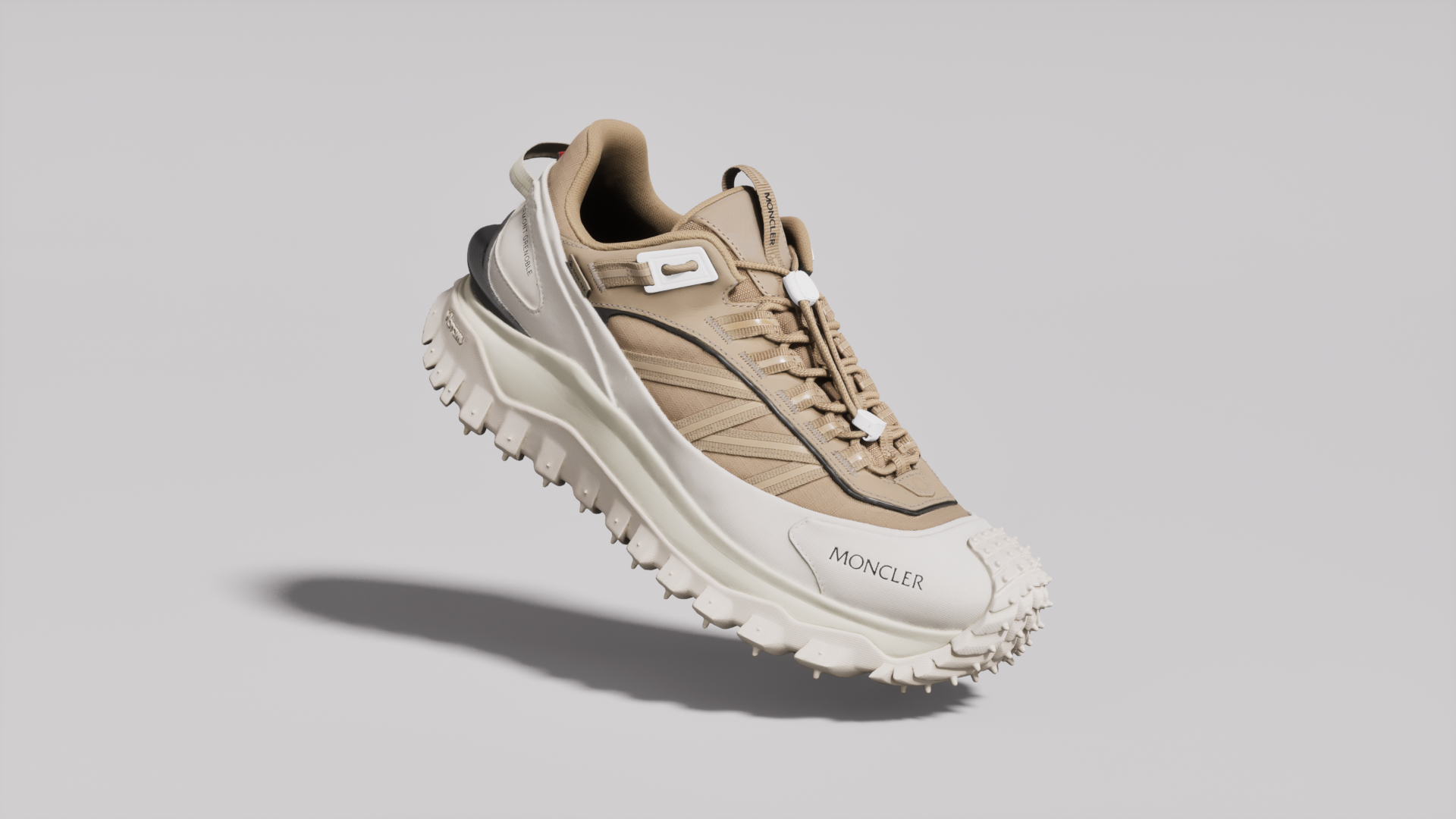 Still from a saved angle
What Studio replaces in the workflow
The repeated handoff between a 3D specialist, a local render tool, and the team requesting the asset.
What you need to get started
A usable 3D model and creative judgment. Complex models and scenes may still need 3D preparation.
Frequently asked questions
Learn more about the live 3D studio.
Is Glossi Studio really running Unreal Engine?
Yes. Glossi streams a live Unreal Engine scene to your browser. You interact with the scene without installing Unreal on your own machine.
Do I need 3D experience?
No 3D software experience is required for the core workflow. Model preparation and unusually complex scenes may still involve a 3D specialist.
Can I create images and video in the same project?
Yes. Stills and supported motion clips render from the same scene and model setup.
What can the Studio Agent do in beta?
The current beta can use plain-language prompts to adjust supported post-process controls in the live scene, including film grain and vignette. Materials, scene layout, lighting, camera framing, and unified animation are still being added.
Create your first shot in Glossi.
Start in Studio with a ready-made model, then upload your own when you are ready.