Define the recipe
Direct the scene, views, motion, formats, and delivery requirements.
Apply a reusable template through Quick Render or a tracked workflow, monitor each run, and deliver finished outputs to connected storage.
Catalog content automation applies saved templates and output requirements to each prepared 3D model, then tracks production, review, exceptions, and delivery.
Reuse cameras, lighting, scenes, motion, and output settings while keeping product-specific changes editable.
Direct the scene, views, motion, formats, and delivery requirements.
Start a run manually, through the API, or from a supported connected source.
Track status, route exceptions, finish outputs, and return results to the destination.
Start each product with the required views, formats, and delivery rules already defined.
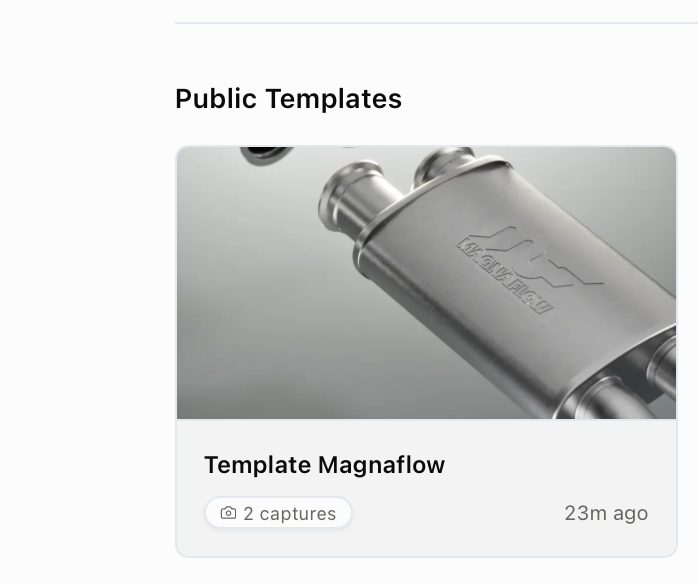
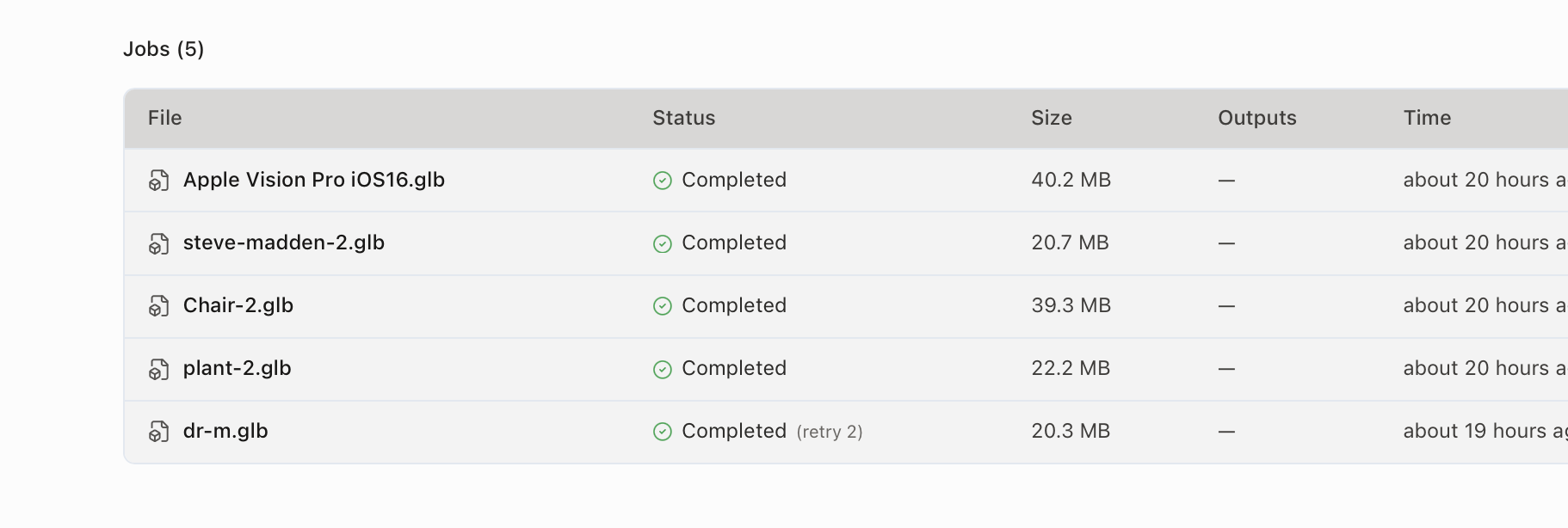
See progress, errors, retries, approvals, and output links without managing production through folders and status messages.
Produce standard images, 360 spins, short clips, and channel-specific formats from the same prepared product.
Keep every product on the same creative standard.Track each product, exception, review, and delivery.High-volume, repeatable content requirements with prepared products, saved templates, and known destinations.
Product readiness, creative exceptions, compliance-sensitive work, and final approval should keep explicit human ownership.
Learn more about catalog production with Glossi.
It is the use of reusable product content recipes and tracked workflows to produce required assets across many prepared products with fewer repeated manual steps.
Glossi supports batch and pipeline workflows, but capacity, model readiness, branch logic, and connector behavior should be tested against the actual catalog.
Yes. Runs expose stage status and errors so teams can route products that need correction instead of hiding them inside a zero-touch claim.
Connect prepared products, a saved template, review routing, and delivery requirements.