Connect Blender to your Glossi workspace.
Add your workspace API key once. The plug-in stores it locally on your machine.
Send a scene or selected product from Blender. Then create images, motion, and variants in the browser without reopening the source file for every request.
Blender 3.0+ · Windows, macOS, and Linux · Direct handoff to Glossi
The plug-in sends your prepared model directly from Blender to Glossi. It arrives ready for creative production in Studio.
Add your workspace API key once. The plug-in stores it locally on your machine.
The plug-in exports a GLB and uploads it directly from the Blender sidebar.
Direct cameras, lighting, colorways, and motion in Studio, then render images and clips.
Publish the prepared Blender model to Glossi. Move cameras, adjust lighting, test colorways, and direct motion in real time through focused Studio controls. The scene stays ready, so you can create the next image or clip without rebuilding the setup.
Create PDP images, video, 360s, colorways, and finish sets without rebuilding the setup for every request.

Save the hero, side, rear, detail, and alternate views in one reusable setup.
Create product and camera movement from the same scene used for stills.

Change controlled materials and product states without rebuilding the shot.
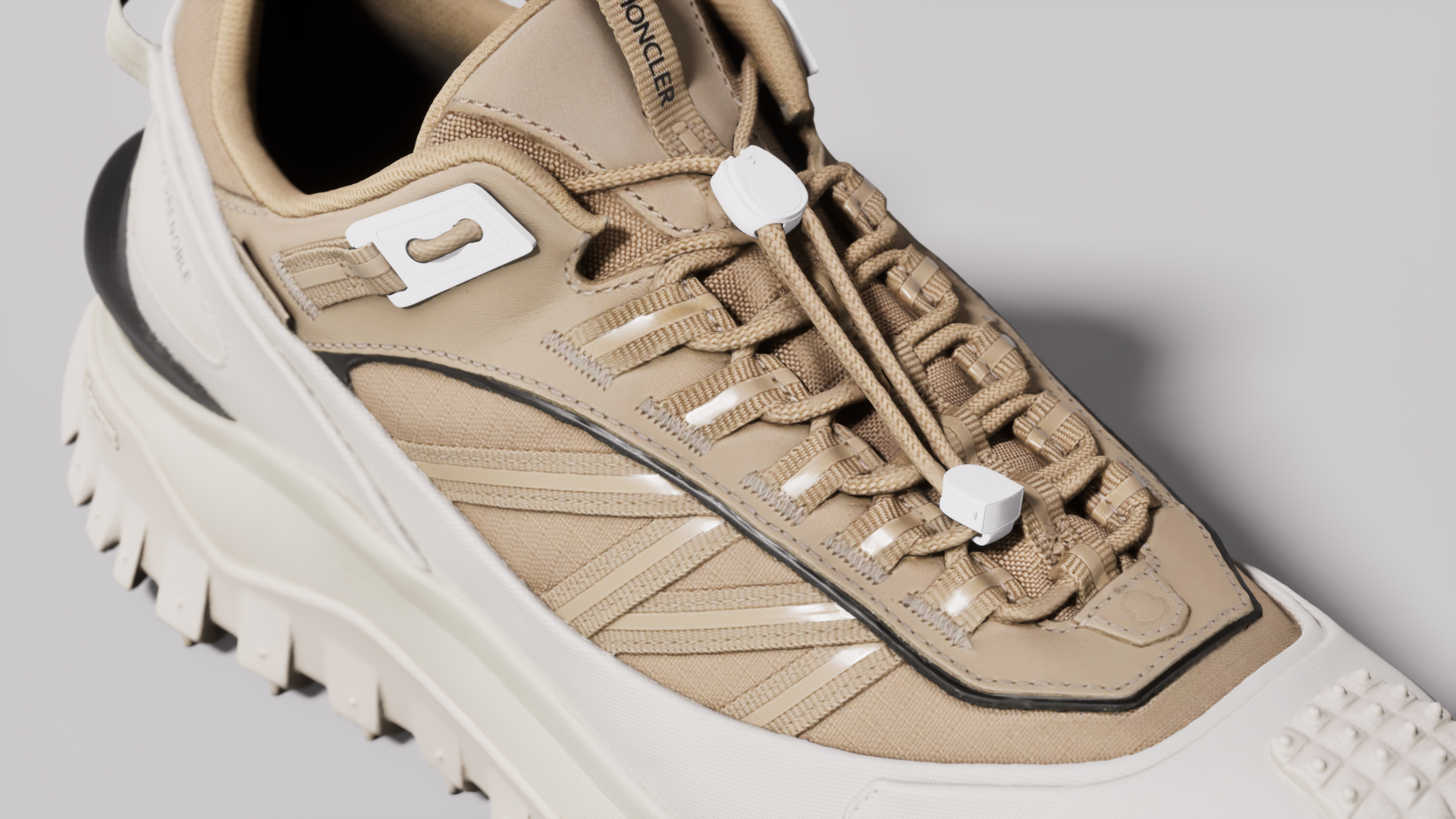 Review view
Let creative and marketing inspect the product and approve every output.
Yes. It exports the full scene or selected objects as GLB and uploads the result directly to your Glossi workspace.
Blender 3.0 and newer on Windows, macOS, and Linux.
Not reliably through GLB. Bake procedural materials to image textures and use recognized Principled BSDF channels before publishing.
Send the prepared model to Glossi, choose a studio setup, then add product or camera motion. You can render the video and its matching stills from the same scene.
Yes. Send the revision, then replace the underlying model file in the Glossi library. Verify part names and material assignments before applying the revision across production projects.
Install the plug-in, connect your workspace, and start with one representative product.